

Intuitiv Tahoe Next
It just works. And when you want it different, you change it.
A beautiful home that simply works, and stays yours to change.
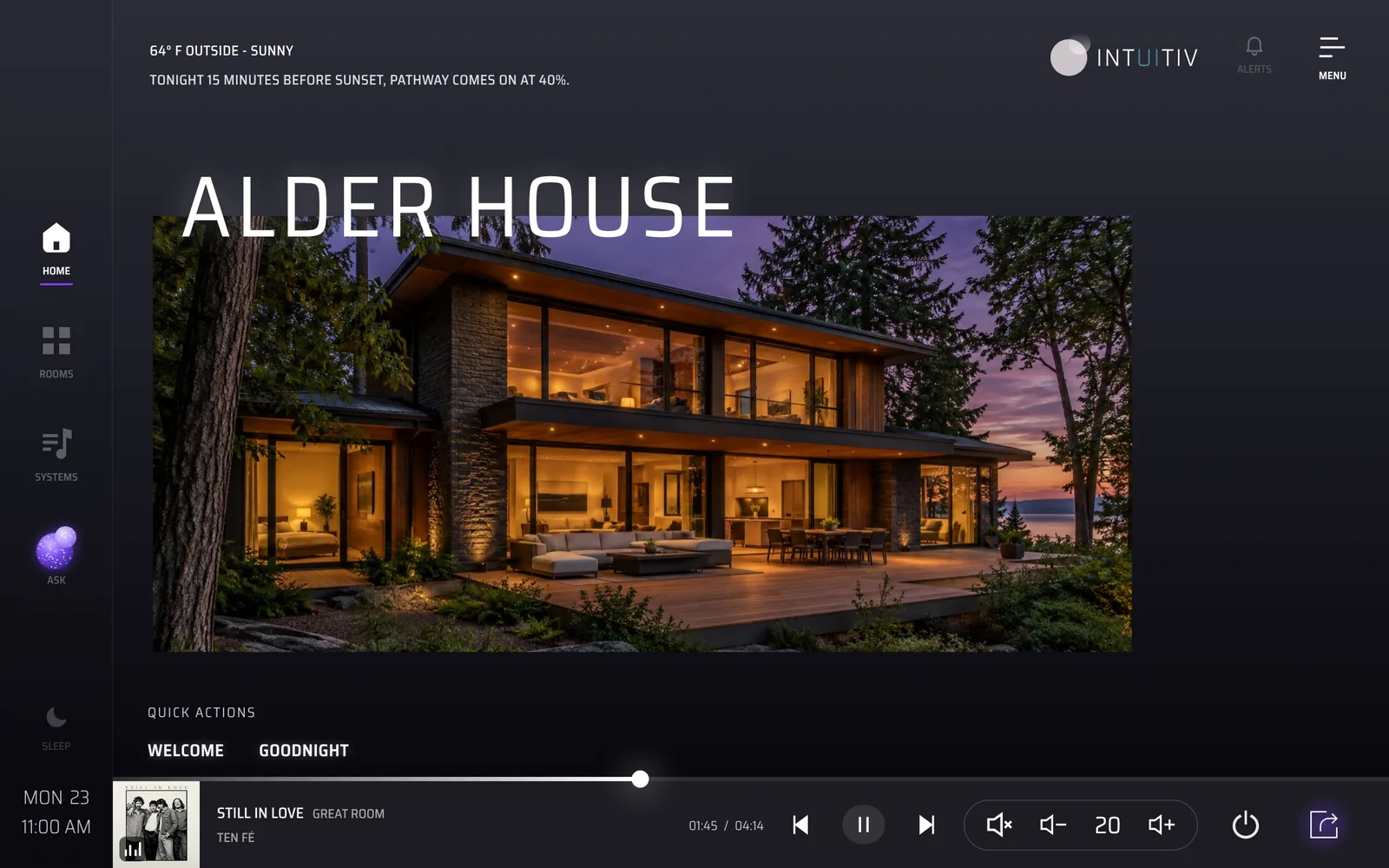
In control, always
It’s your home. You’re always in control.
Program it yourself, by hand or with Ask Intuitiv, or let your integrator do it. You never need to write code. Ask Intuitiv, part of Intuitiv Plus, is coming to US homes.
- 01
For you
Say what you want. The house shows you what it will do, and nothing changes until you say so. Any change to how the home is set up can be undone.
- 02
For your integrator
Set it up, change it and hand it over, in plain words or in detail. They have the same tools as you, and more.
- 03
Yours, always
How your home is set up is yours. Take it to any authorized integrator, whenever you like.
Privacy and security
Your home, your data.
Your home runs on its own processor, in the house. How it is set up belongs to you, most of what it knows never leaves it, and we never sell any of it or use it for advertising.
- 01
Yours, in one file
How your home is set up belongs to you. At handover you receive all of it in one signed file.
- 02
It stays in the house
Most of your home’s information stays on its own processor. Lights, scenes and shades carry on when the internet is out, and so does climate control that doesn’t rely on its maker’s cloud.
- 03
You hold the switches
Switch off our access, and your integrator’s, at the panel. An owner can turn the AI off for the whole home.
- 04
No ports opened in your router
The house makes its own connection out. We never ask you to open a port or change your router.
- 05
Passwords stay sealed
Sign-ins for your equipment are kept in a vault on the processor. They are not shown in lists or written to logs.
- 06
Signed updates
The house checks an update’s signature before it installs anything, and accepts only ours.
Intuitiv Tahoe Next
The evolution of Tahoe.
Intuitiv Tahoe Next is the evolution of Tahoe, and everything you see on this site is Tahoe Next.
Native iPhone and iPad app
Your whole home, in a native app.
Control every room and run a scene from your iPhone or iPad, at home or away. Have more than one home? They’re all in the same app.
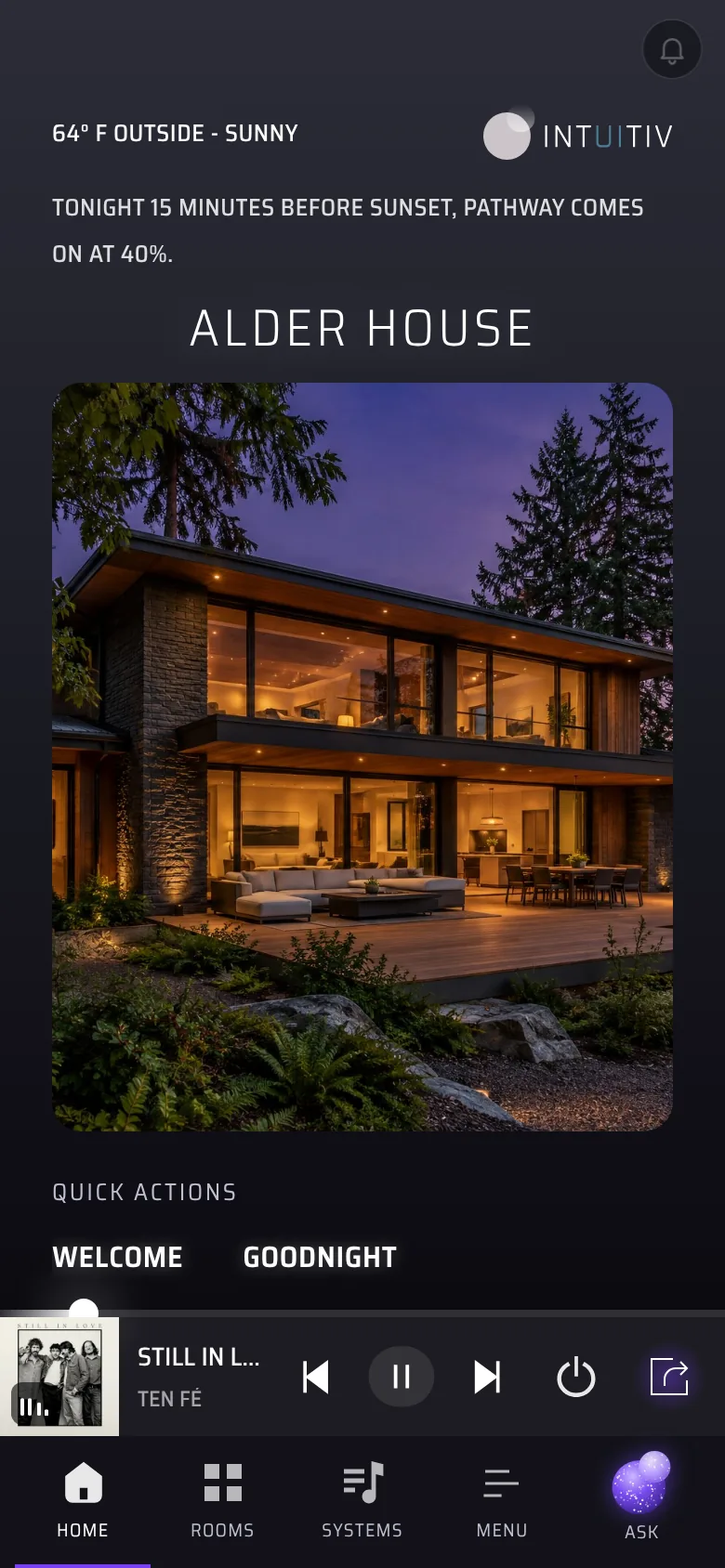
Build your own scenes
Say it the way you would say it to a person.
Describe the scene to Ask Intuitiv. The house shows you, in plain words, what it will do. Save it, and it runs every time. Change it whenever you like, from your phone or the panel. Ask Intuitiv, part of Intuitiv Plus, is coming to US homes.
-
01
“When it gets dark, lower the shades in the den and bring the lights up to half.”
At dusk each day, the den shades lower and the lights come up to 50%.
-
02
“On movie nights, dim the theater, close the shades and start the Apple TV.”
When you tap Movie Night, the theater dims, the shades close and the TV switches to the Apple TV.
-
03
“Set the primary suite to 70 degrees at 6:30 every weekday.”
Each weekday at 6:30 am the primary suite is set to 70°.
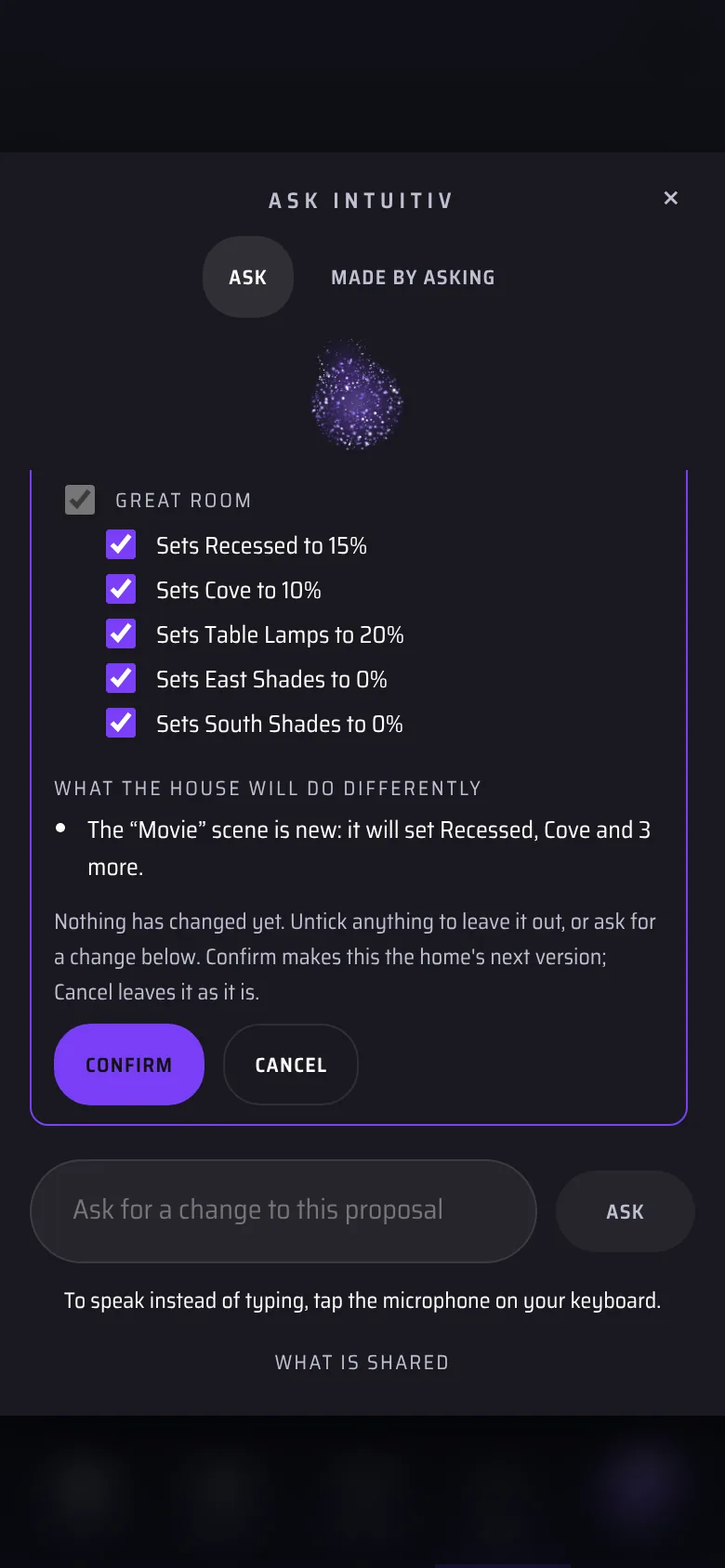
Remote access, built in
Reach your home from anywhere. No port forwarding.
Remote access comes with the home. The house makes its own connection out and never asks you to open a port or change your router.
- 01
Connected once
Your installer connects it once. After that you pair each phone or iPad with a code from the home.
- 02
No port forwarding
The house reaches out to us. We never ask you to open a port or change your router.
- 03
The same app everywhere
The same controls at home or away, on iPhone and iPad. From away, the house asks for your PIN before it unlocks a door, opens a gate or disarms the alarm.
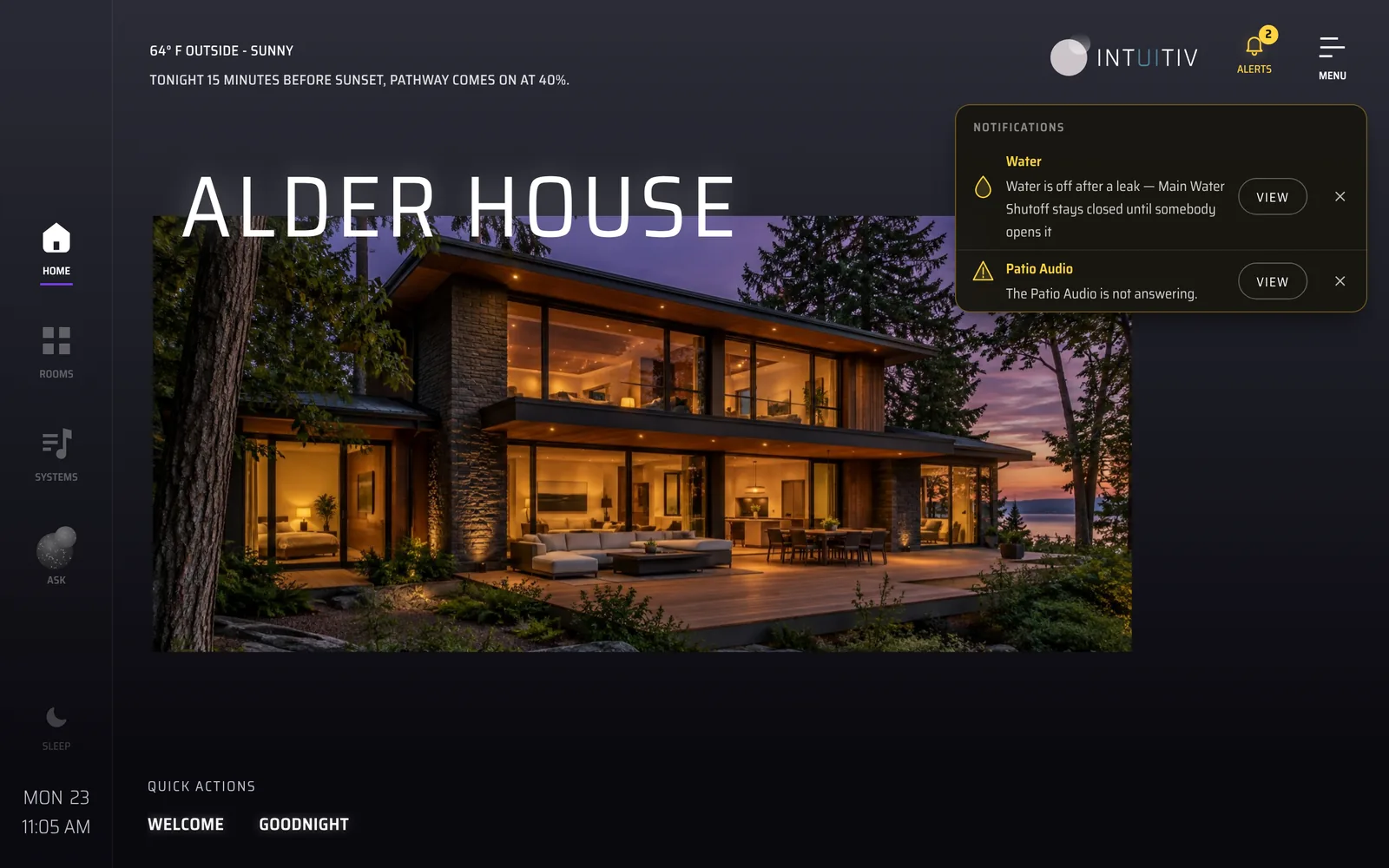
When something needs attention
The house runs on its own, and tells you plainly when something needs attention.
Reliability is the first question and the last one.
Change it yourself
Program your home yourself, on the fly.
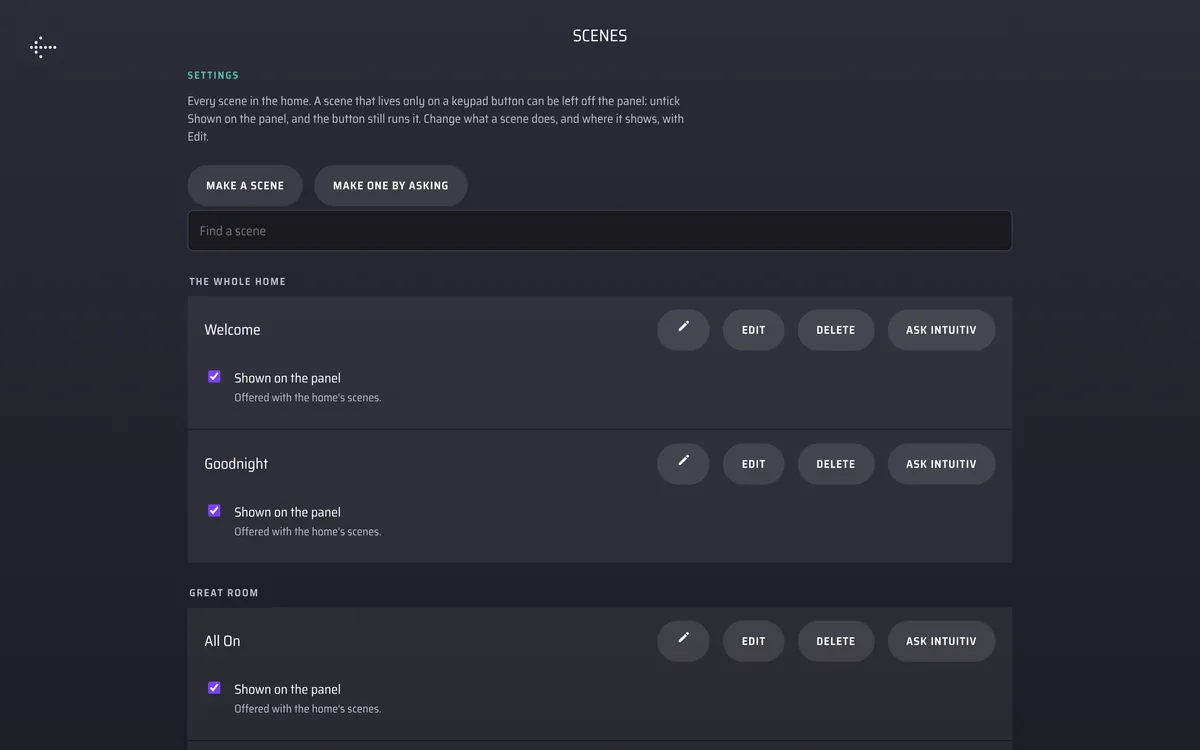
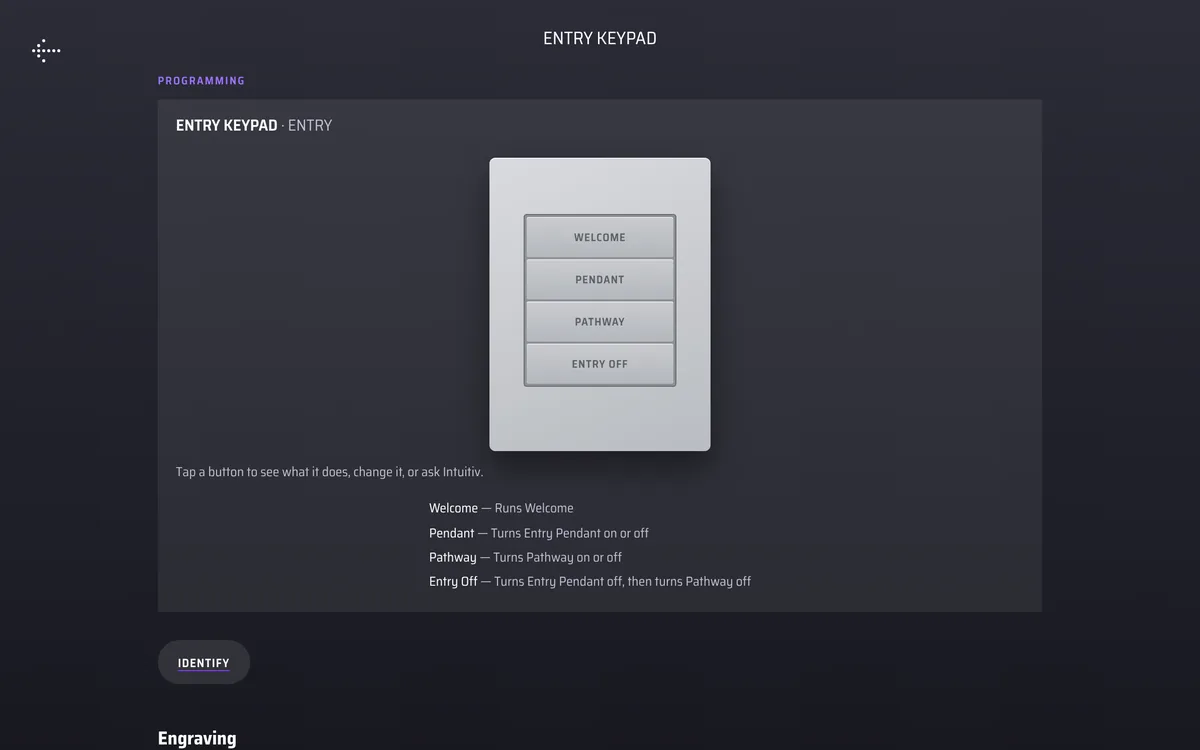
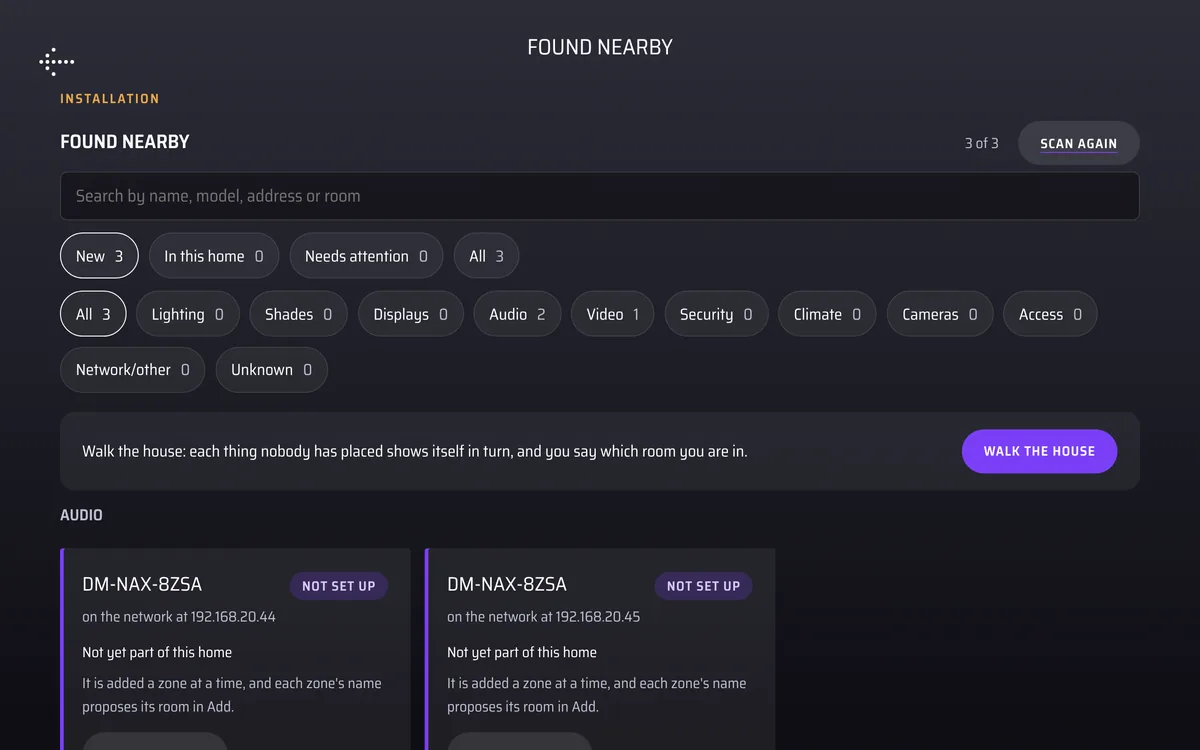
If you look after your own set-up, you can build scenes, change what a keypad button does and add equipment the home finds, from the panel or the app (coming soon).
-
Build your scenes -
Adjust your keypads -
Add new gear
Your alarm
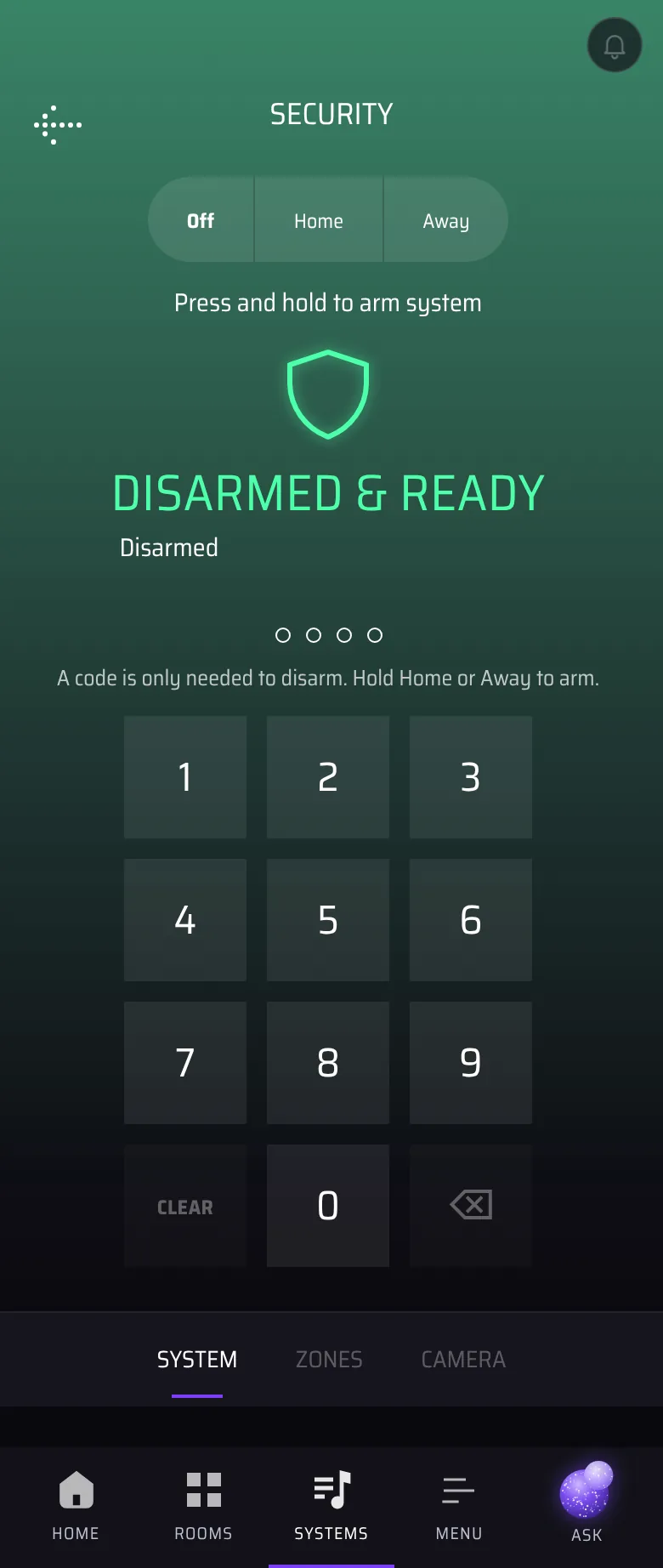
Your alarm, in the same app.
Disarmed and ready, in green, on the wall, the iPad and the iPhone. Works with DSC alarm panels today. Hold Away to arm; a code to disarm.
And it’s yours
Yours at handover.
At handover you receive a signed copy of how your home is set up and a recovery card. An authorized integrator can pick it up from there. Your local team looks after it, and our support team can help them, only while you leave support on.
Try it
Use it before you decide.
Open a whole mock home on a touch screen, an iPad or an iPhone, and go anywhere in it. Nothing you press reaches a real home.
Want this in your home?
Three steps.
- 01
Try it
Open the made-up home and use it the way you would use your own. Try it.
- 02
Show it to your integrator
Your integrator is who puts it in. Show this to your integrator: what to try together, and what to ask.
- 03
Or talk to us
If you don’t have an integrator, tell us where you are and we’ll say plainly whether we have someone. Start a conversation.
Already have a system?
You don’t have to start again. Send us what you have and we’ll show you, free, what stays and what changes.
Building a home?
Intuitiv from the first drawings, for owners, architects and builders.
Talk to us.
Start a conversation