
For integrators · Intuitiv Tahoe Next
Run it beside the system you already have, and see it working before you decide.
A homeowner may have sent you here. Intuitiv Tahoe Next is the evolution of Tahoe. Here is what it is, and how to try it.
- 01
Beside, not instead
Your existing program keeps running its equipment, keypads and scenes. Nothing is rewired. It takes one added link in your program and a reload.
- 02
Step back when you choose
While Intuitiv runs beside your program, stepping back means unloading Intuitiv. Your program carries on as before.
- 03
The same tools as your client
Program by hand. Ask Intuitiv, part of Intuitiv Plus, is coming to US homes. Your client has the same tools, and how the home is set up is theirs.
Your VT Pro or CH5 project
The screens you built keep working while you try it.
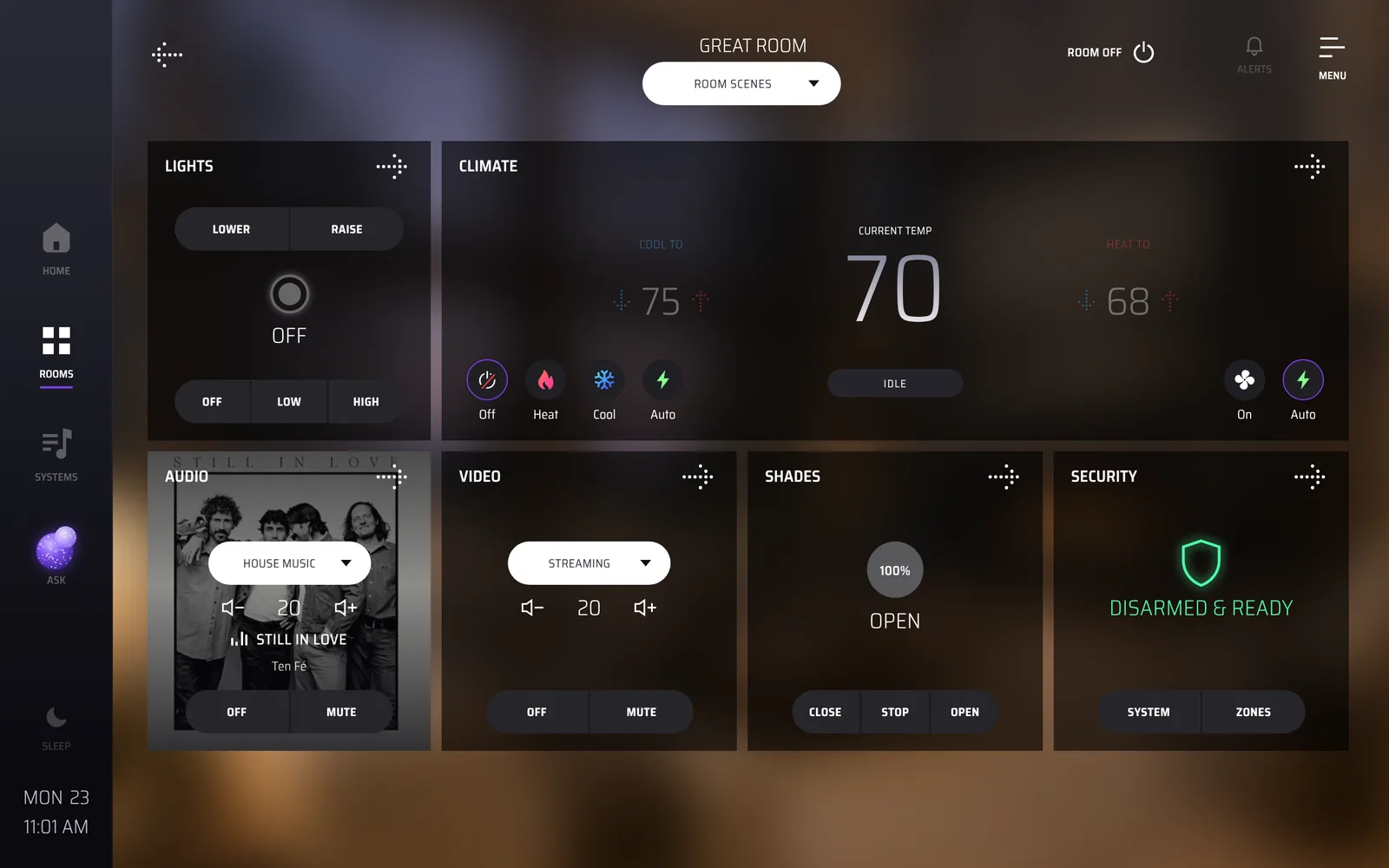
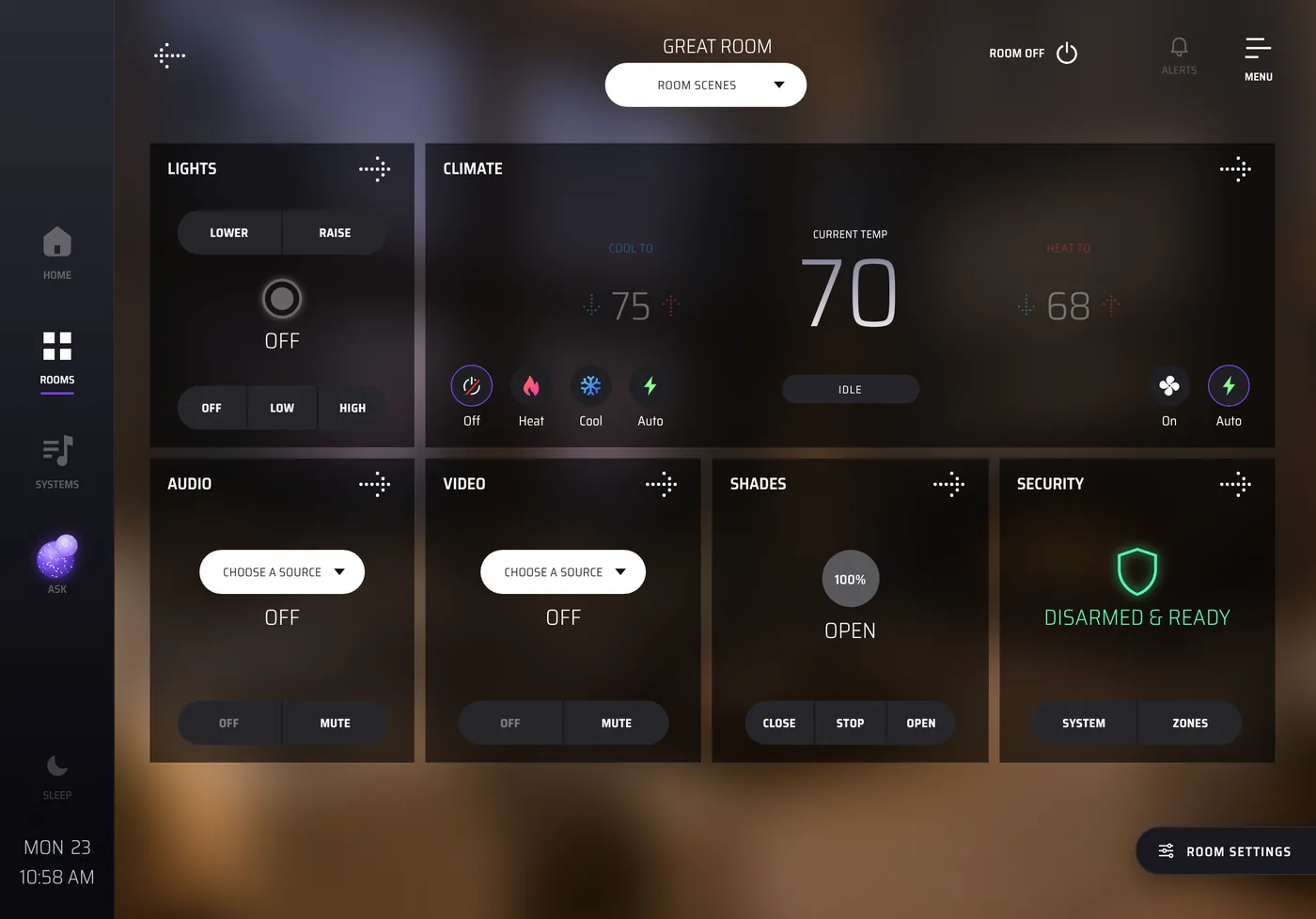
Intuitiv runs beside your Crestron program and talks to it over the link Crestron provides for that. Your VT Pro or CH5 projects are not touched. Intuitiv’s panel runs on its own screens.
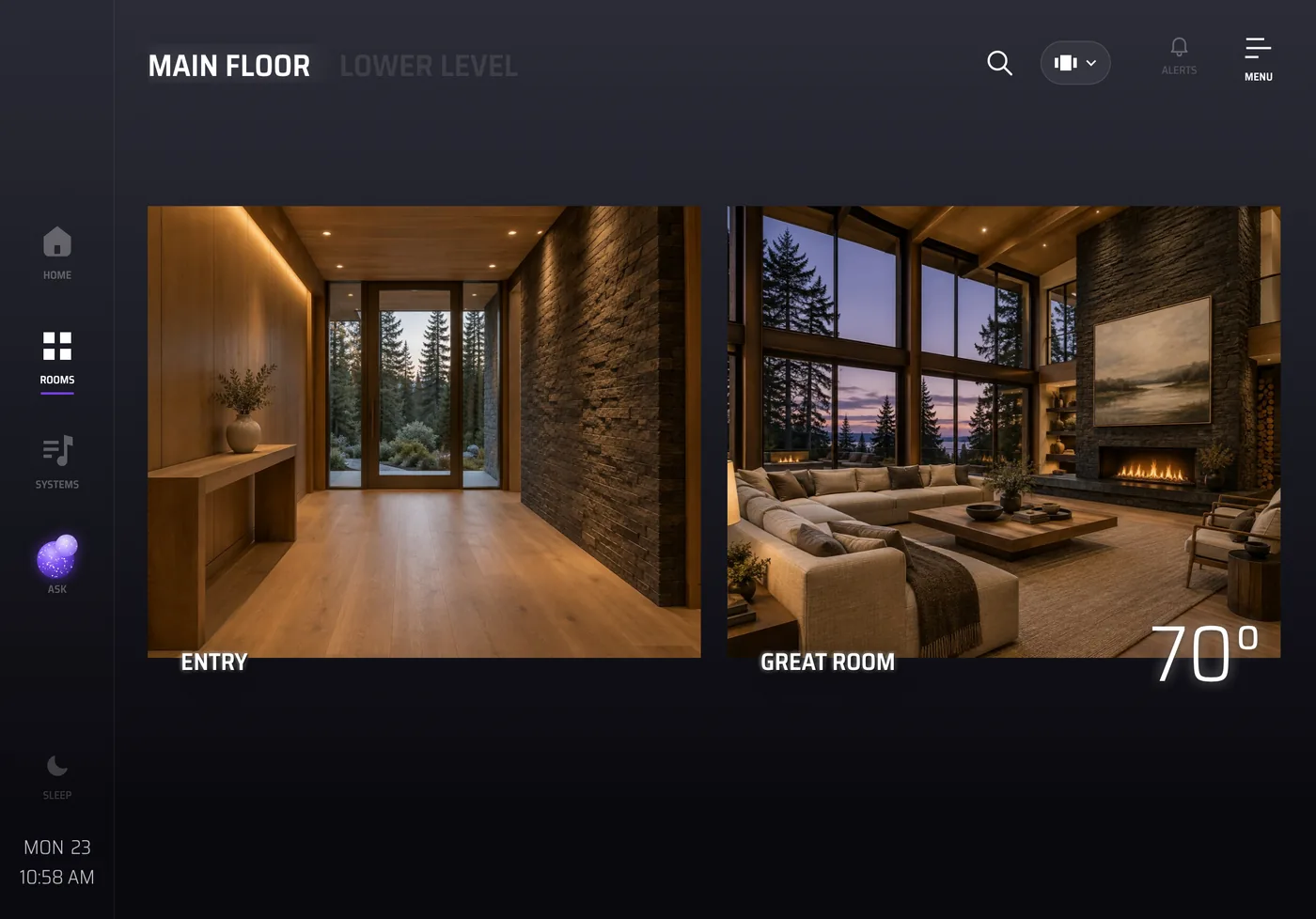
One calm panel for the rooms you choose.
How a retrofit goes
Four steps, and the last one is yours.
- 01
Show us what is there
Send us what you have and we’ll show you, free, a summary of what stays and what changes. The line-by-line report follows once we are engaged.
- 02
Run Intuitiv beside it
Your existing program carries on running the home.
- 03
Move systems across, later
Later, with us, we move systems across one at a time.
- 04
Go on, or step back
Go on, or step back while the old program is still in place. Your client keeps whichever you both decide on, and the home keeps running in between.
Check it for yourself
Don’t take our word for it.
Everything here can be checked before you spend an hour on it.
Use it
Open a whole mock home on a touch screen, an iPad or an iPhone.
Try itSee what it runs on
The processor, the screens and how the home connects.
What it runs onAsk about equipment
Tell us the make and model. Equipment is added as people ask for it, in beta first.
Ask about your equipmentRead how it is set up
From the first power-up to handover, step by step.
Set-up guideWhat it runs on
The processor, the screens, the network.
| The controller | A Crestron 4-Series processor in the home’s equipment rack. It runs the home. Lights, scenes and shades carry on when the internet is out, and so does climate control that doesn’t rely on its maker’s cloud. |
|---|---|
| The software | A program on the processor, written in C# on .NET, running beside your existing program. |
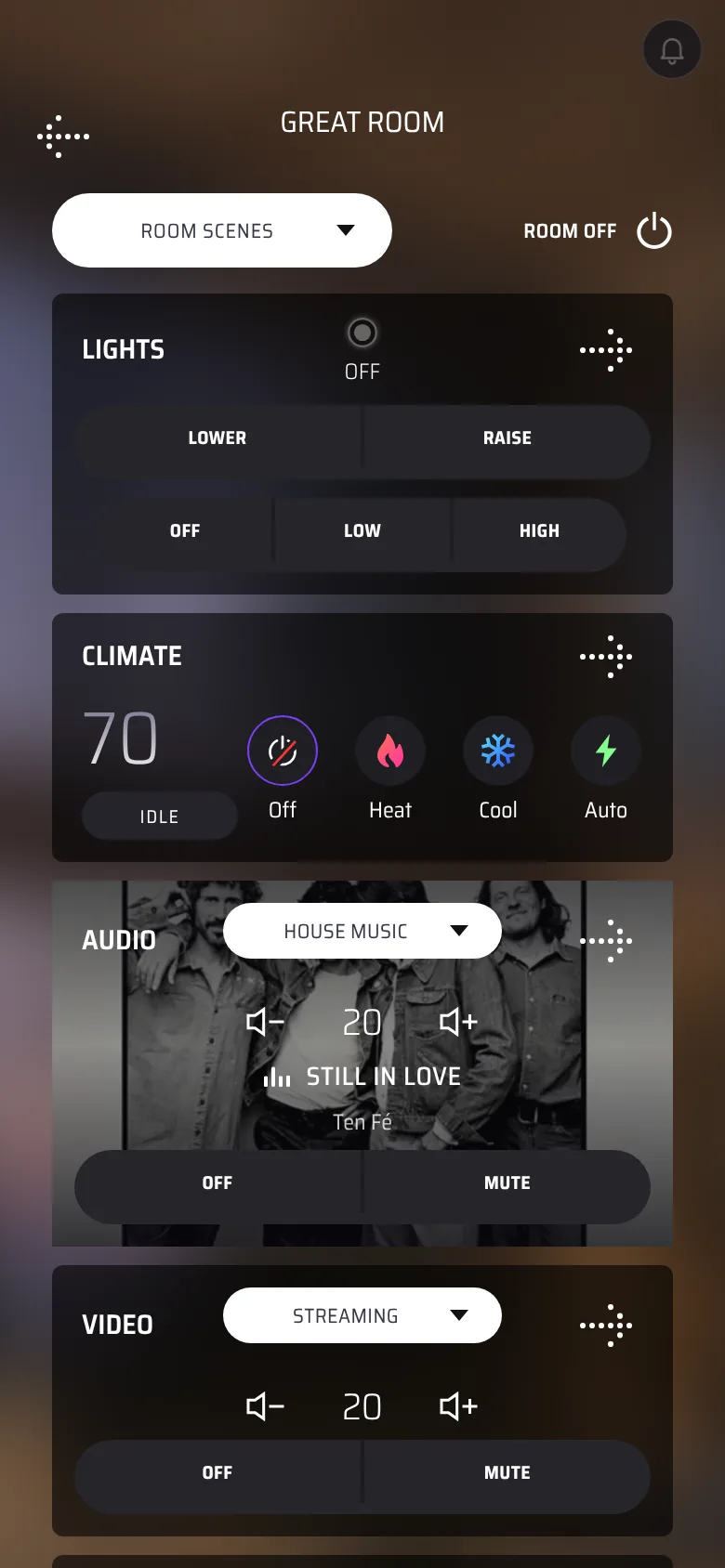
| The screens | Touch screens on the wall, served by the processor itself, and the Intuitiv app on iPhone and iPad. |
| The equipment | Each make over its own control interface, on the network or a serial port. |
| The network | The home’s own wired network. Remote access, once switched on, is the home calling out. We never ask you to open a port or change your router. |
| The screen | When something changes in one room, only that room’s part of the screen redraws. |
| Programming | By hand. Ask Intuitiv, part of Intuitiv Plus, is coming to US homes. You never need to write code. |
Free for qualified integrators
A free demonstration license, for your showroom or your own home.
A free license for your showroom or your own home: free for 12 months, up to 8 rooms, Ask Intuitiv included.
Questions from an integrator?
Start a conversation