
Try it · Intuitiv Tahoe Next
Use it before you decide.
Open a whole mock home on a touch screen, an iPad or an iPhone, and go anywhere in it. Nothing you press reaches a real home.
Choose a screen
Go anywhere in it.
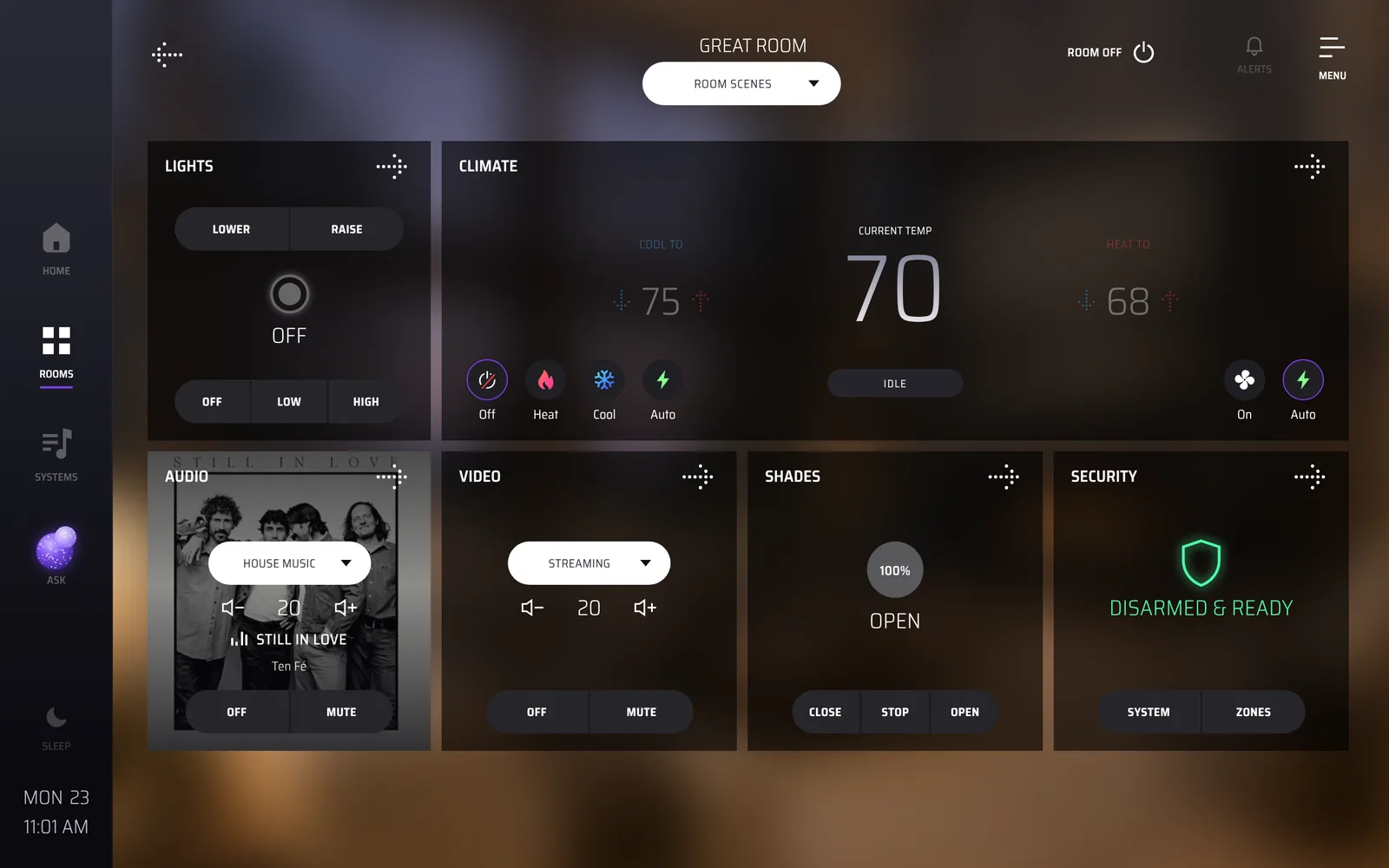
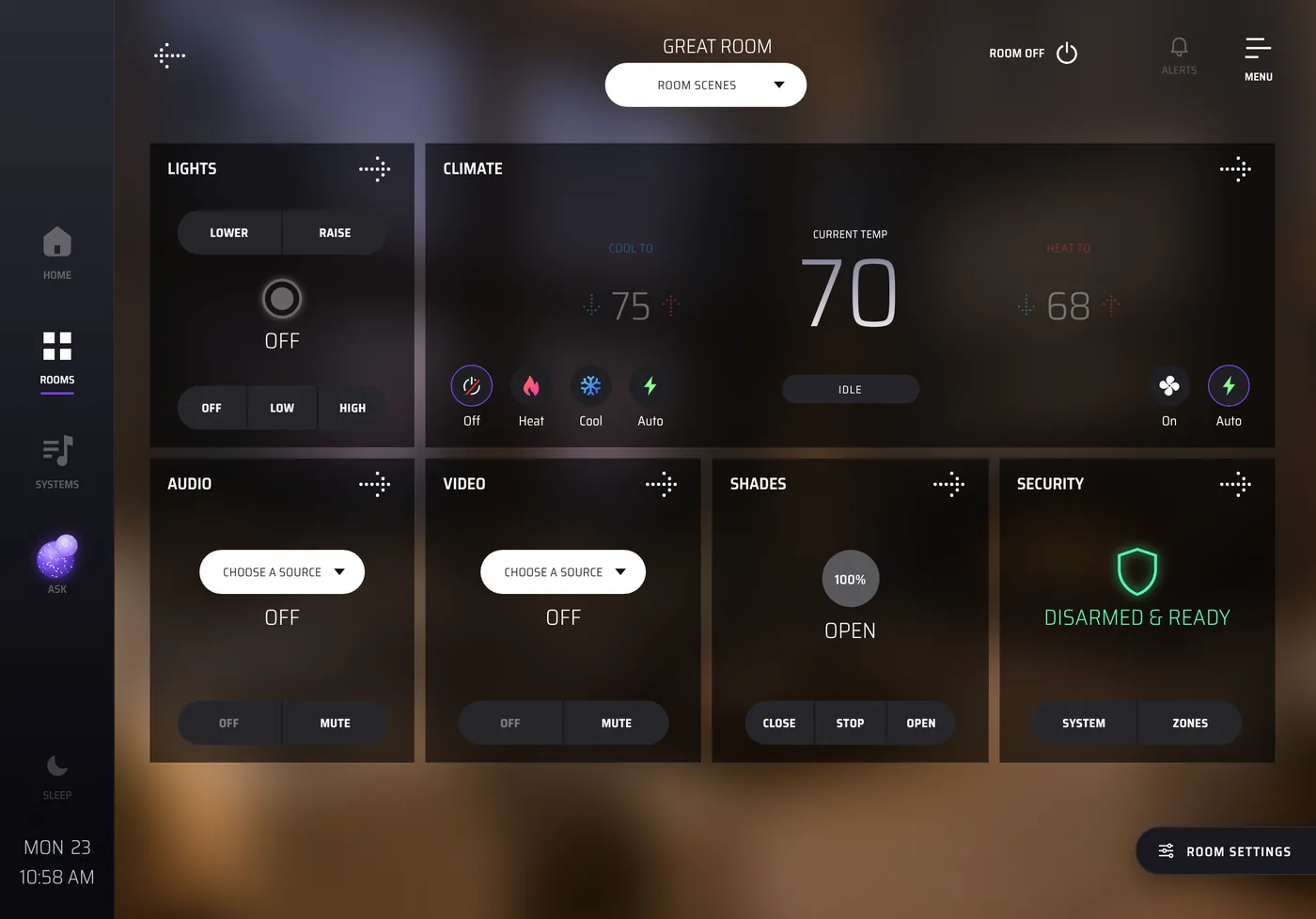
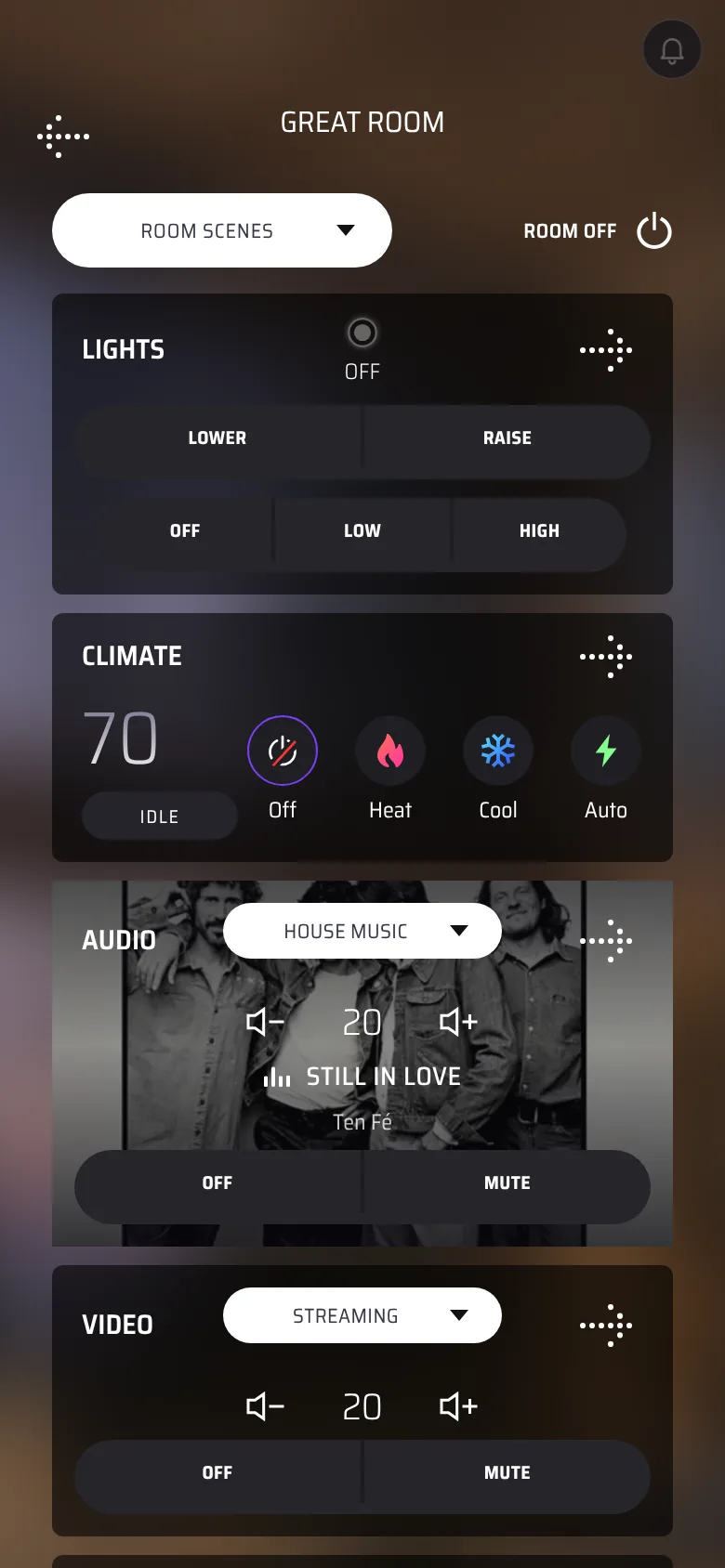
Open a room, run a scene, change the music, look at the climate and the alarm. The screens are the ones a family uses, and the set-up side is there too, on the same made-up home.
What you will be using
A made-up home, and the real thing.
Alder House is a fictional home. It is Intuitiv Tahoe Next, the evolution of Tahoe, on screens you can use.
There is nothing to sign in to, and no form to fill in first. On a phone, choose iPhone and it fills your screen.
Ask Intuitiv shows one prepared example here, with no AI behind it.
Want this in your home?
Two steps from here.
- 01
Show it to your integrator
Your integrator is who puts it in. Show this to your integrator: what to try together, and what to ask.
- 02
Or talk to us
If you don’t have an integrator, tell us where you are and we’ll say plainly whether we have someone. Start a conversation.
An integrator? A free demonstration license, for your showroom or your own home.
Ask for your free license